What instagram_manage_comments Is For
The permission grants comment-level access for Instagram professional accounts connected through your app: reading comments and replies on media, replying programmatically, hiding or unhiding comments, and deleting comments the account owns.
It applies to Instagram Business and Creator accounts only, and like every production permission it has two tiers: Standard Access for your own test assets, and Advanced Access for real users — which is what Meta App Review grants.
Who Actually Needs It
- Comment automation and moderation tools that auto-reply, filter spam, or hide offensive comments for clients
- Social inbox platforms that unify Instagram comments with DMs and other channels in one agent view
- Engagement and community-management SaaS that replies to comments at scale for agencies
- Contest and giveaway tools that read comment entries on campaign posts
If your app only publishes posts or reads analytics, you likely do not need this permission — requesting a permission your screencast never demonstrates is itself a rejection trigger.
instagram_manage_comments approval checklist
- A working comment feature in the live app — reading and replying must be demonstrable end to end
- An Instagram professional account connected to a Facebook Page for the demo
- A correctly configured comments webhook subscription — most comment features depend on it, and reviewers notice when real-time events are missing
- A screencast showing a user connecting their account, granting the permission, and using the comment feature on real media
- A use-case description naming the exact comment actions (read, reply, hide, delete) your app performs and why users need them
- A compliant privacy policy and, in most production cases, completed Business Verification
Why instagram_manage_comments Gets Rejected
Most rejections are not about the product being bad. They are about the submission failing to prove, in the exact format reviewers require, that every requested comment action has a real user-facing purpose. That is a preparation problem — and it is fixable on resubmission.
Where instagram_manage_comments Fits in the Bigger Approval
Comment tools rarely need only this one permission — most also request messaging, insights, or publishing scopes, and each is reviewed separately with its own screencast and justification. For a related walkthrough see the instagram_manage_insights approval guide. If you would rather have the full submission prepared professionally — permission scoping, screencast scripting, use-case writing, and resubmission handling — that is exactly what the Instagram App Review service covers.
Related Instagram Permission Guide
If your product also needs Instagram analytics, see the companion guide for instagram_manage_insights approval to keep comment moderation separate from insights access.
Meta makes all App Review and permission approval decisions independently. Outcomes and timelines cannot be guaranteed. Not affiliated with or endorsed by Meta Platforms, Inc.
Evidence for instagram_manage_comments approval
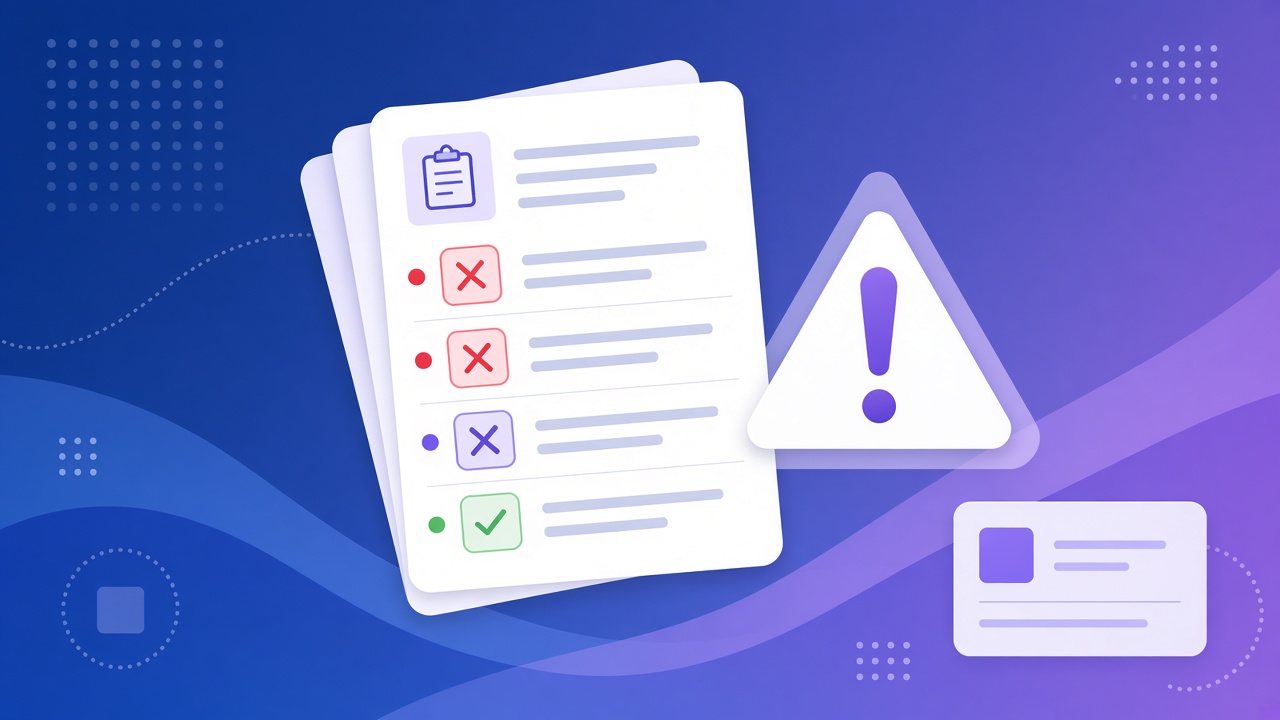
Show the user flow and moderation controls clearly so an instagram_manage_comments approval can be evaluated without guesswork. Keep an instagram_manage_comments approval focused on comment actions, roles, and the exact data your app handles. Before resubmitting, label the recording and notes consistently with instagram_manage_comments approval. This evidence makes instagram_manage_comments approval easier to verify and keeps the comments permission separate from insights or messaging access.
For current technical requirements, compare this workflow with Meta's Instagram API documentation before submitting.
Need Us to Get Your Meta App 100% Approved?
Stop losing weeks to repeated rejections. With 500+ apps approved, we handle your entire submission from start to finish. You get 100% Approval or a 100% Refund — and for your complete safety, you can hire us directly through Upwork or Fiverr Escrow (or use the WhatsApp / Calendar buttons in the header & footer).
Chat on WhatsAppFrequently Asked Questions about instagram_manage_comments
Why does Meta reject instagram_manage_comments?
The common reasons are a screencast that doesn't show comments being read and moderated or replied to inside the app, a use case that doesn't explain the business value, and test accounts that aren't connected Instagram Professional accounts.
What timeline should I expect?
It takes ~3 days for our complete preparation and submission, followed by Meta's review queue — typically 10–20 days (can be faster or take longer depending on Meta's volume). For apps with multiple permissions, if Meta requests adjustments on specific scopes, we handle the changes and re-apply at no extra cost, and each follow-up round follows the same 10–20 day review window.
What happens if the request is rejected again?
We work on a 100% Approval or 100% Refund basis: if we can't get your valid use case approved, you get a full refund.
How do I pay you securely?
You can hire us through Upwork or Fiverr, so your payment stays in Escrow and is only released when the work is delivered. We've been doing this for 10+ years, with 500+ apps approved and 10,000+ permissions granted.